/teamkeepr_logo.png?width=191&height=45&name=teamkeepr_logo.png)
Opening the TeamKeeper app will bring you directly to the login page.
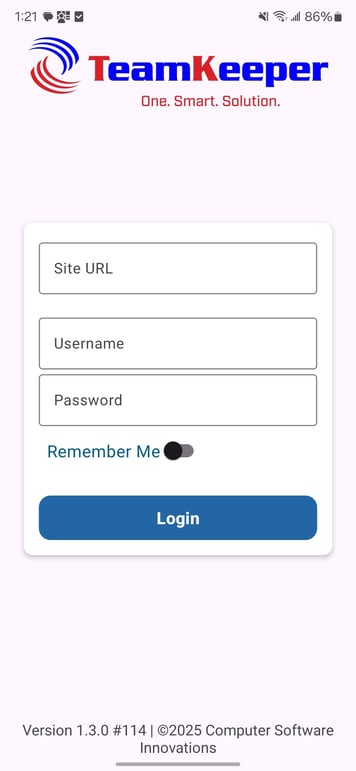
To login, an employee will need to enter:
Site URL - this is the URL to your TeamKeeper site and must include https:// in the biggening and end in .com, not .com/ such as https://example-online.teamkeeper.com
Username - this is the user's username they use to access the TeamKeeper site on a computer
Password - this is the user's password they use to access the TeamKeeper site on a computer
-jpg.jpeg?width=405&height=877&name=Screenshot_20251203_133119_TeamKeeper%20Mobile%20(1)-jpg.jpeg)
The "Remeber Me" is an optional selection that keeps a user's URL and Username but not their password for their next login.
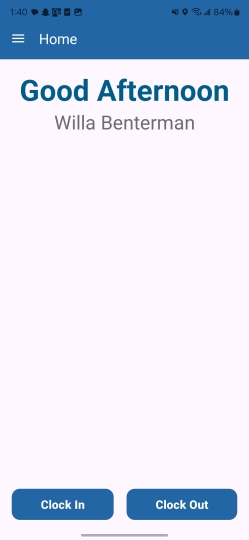
Pressing the "Login" button will bring the user to the Clock In/Out page of the mobile app.