This report allows you to quickly get a list of a your active employees by their group assignments. Employees must be assigned to at least one active group to appear on this report.
This report can be found by going Administrator -> Reports
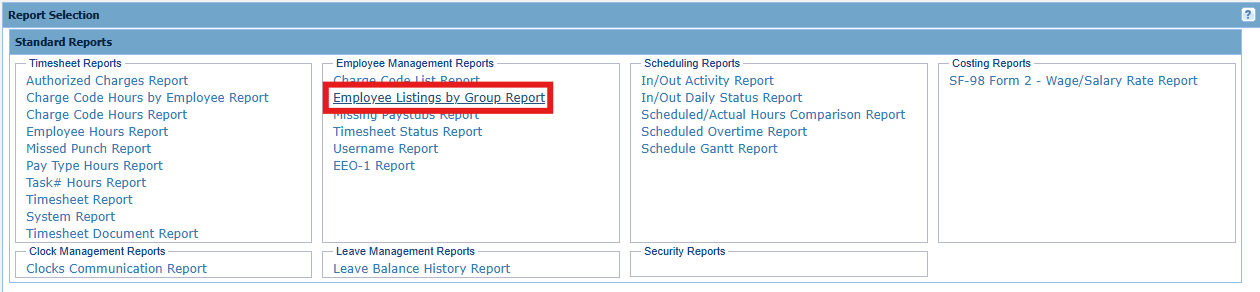
Simply clicking the above link will automatically run the report. There is no input criteria that needs to be selected.
Output:
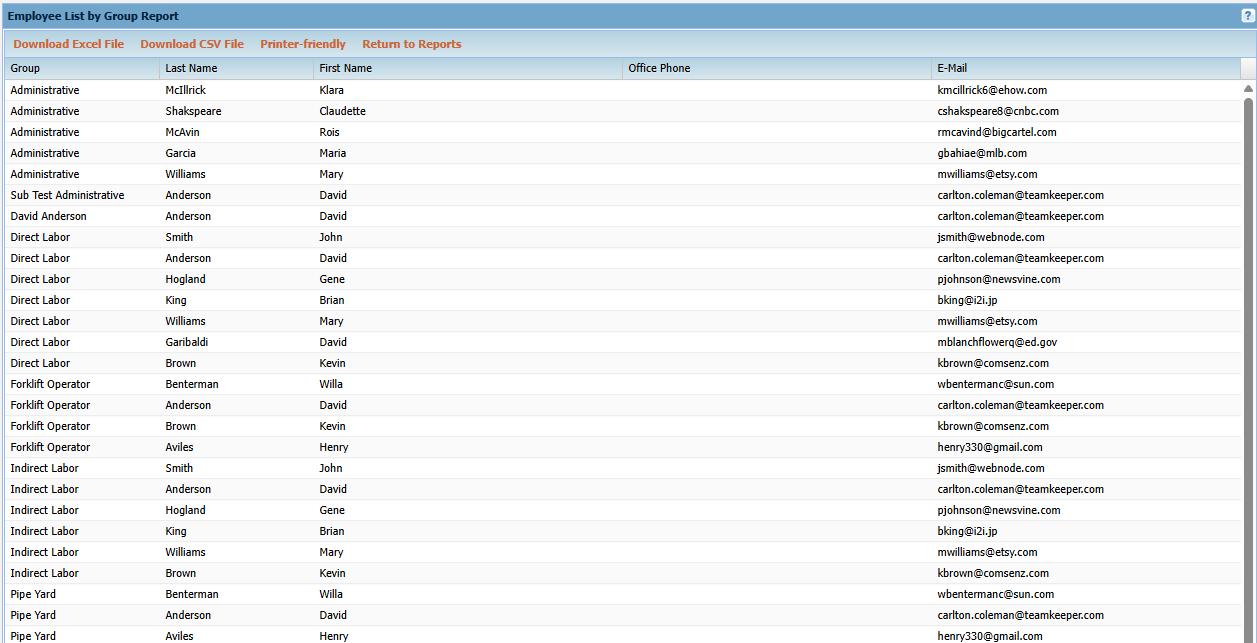
The report lists each active Group's employees as well as some of the employee's contact info.