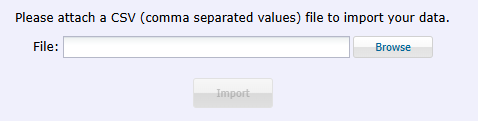
New Groups can be imported into TeamKeeper, bypassing the need to create them manually one at a time. This can be done by going to Accounting -> Import | Export.
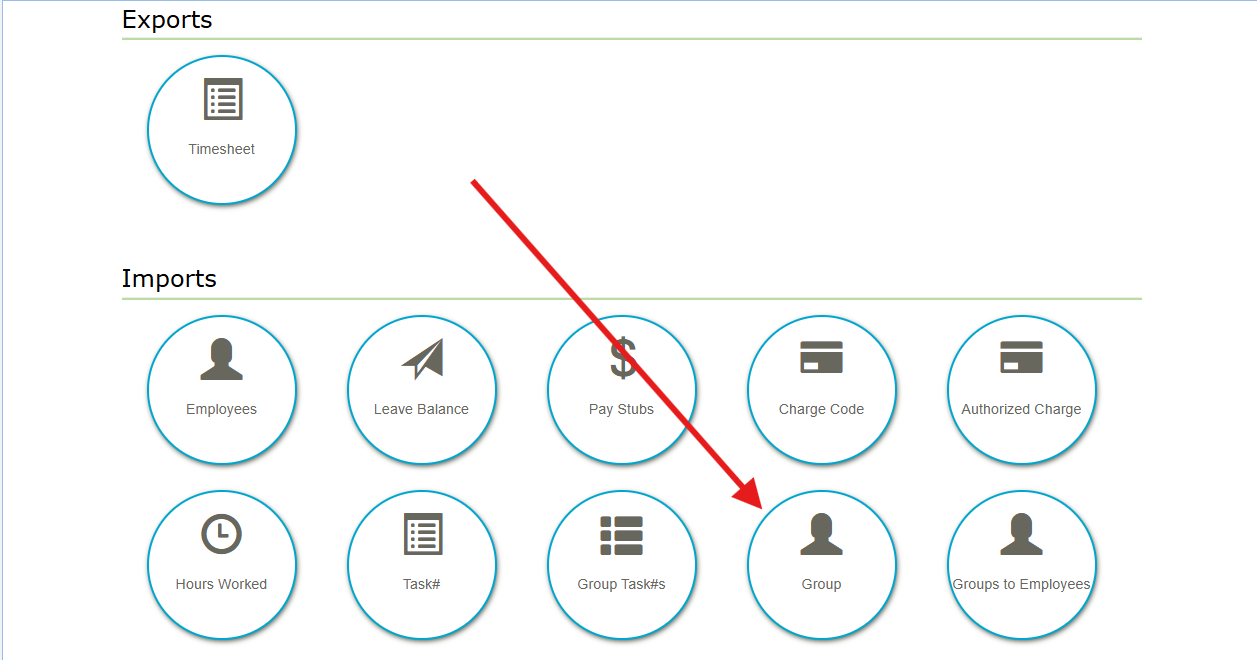
To import Groups, you will first need to setup an import file which can be found here.
The format for the import file is shown below. Columns A and C are required for each Group you want to import.
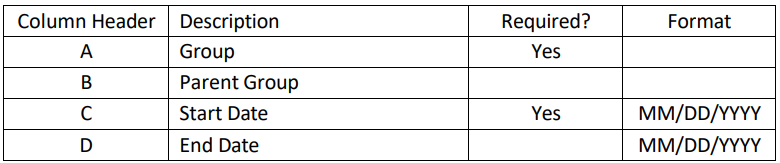
The top header row will not be imported. Save the spreadsheet as a .CSV and browse for the
file on the Import Group page. Click “Import” under the browse button.