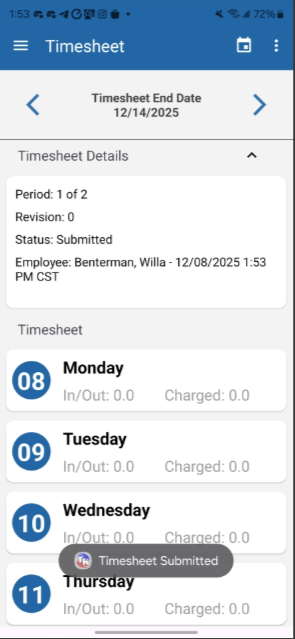
To view or submit your timesheet using the TeamKeeper mobile app, start by logging into your user profile. Login instructions can be found here.
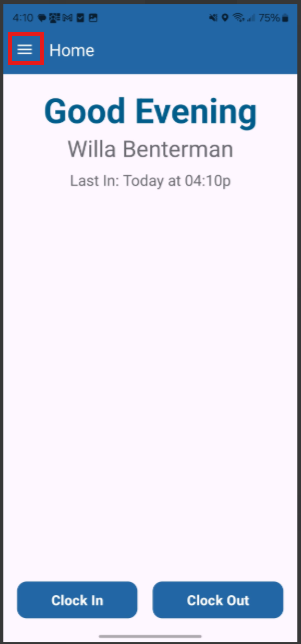
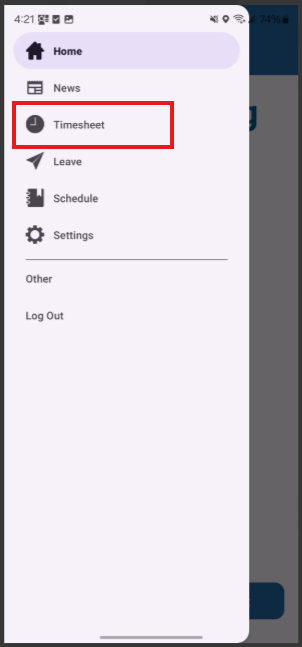
Once you are logged in and on the home page of the mobile app, click on the hamburger menu on the top left and navigate to your timesheet.
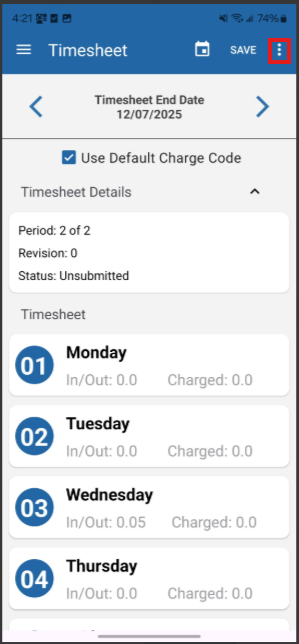
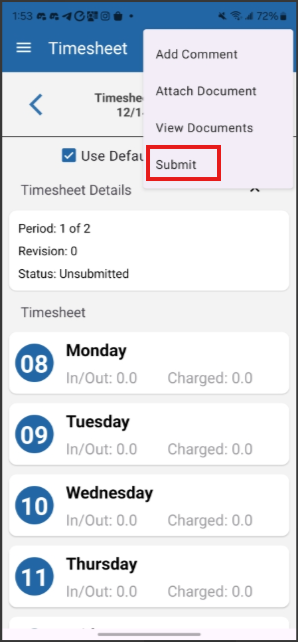
Once on your timesheet, click the three dot menu that appears at the top right corner followed by the submit button.
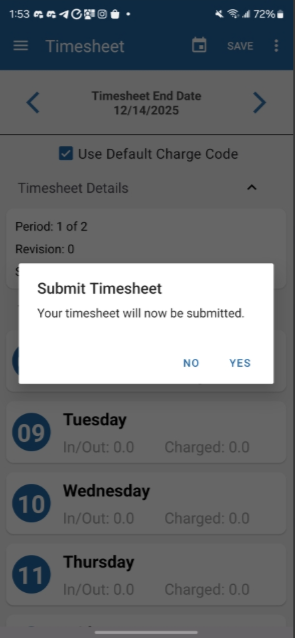
You will see the following confirmation message which you must agree to before submitting.