/teamkeepr_logo.png?width=191&height=45&name=teamkeepr_logo.png)
The Missing Paystubs Report allows your accounting team to see any employee's who are missing a pay stub for the selected date. For employees to appear here, paystubs must be enabled for your site and you must first upload paystubs to your TeamKeeper site at least once.
This report can be found by going Administrator -> Reports
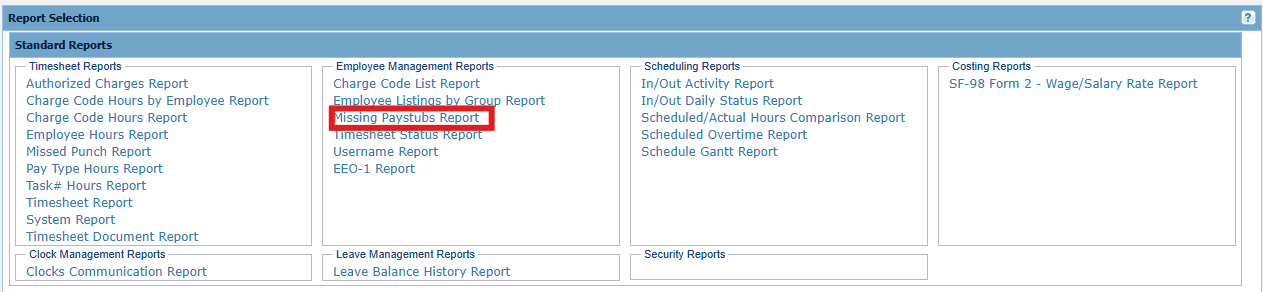
Input:
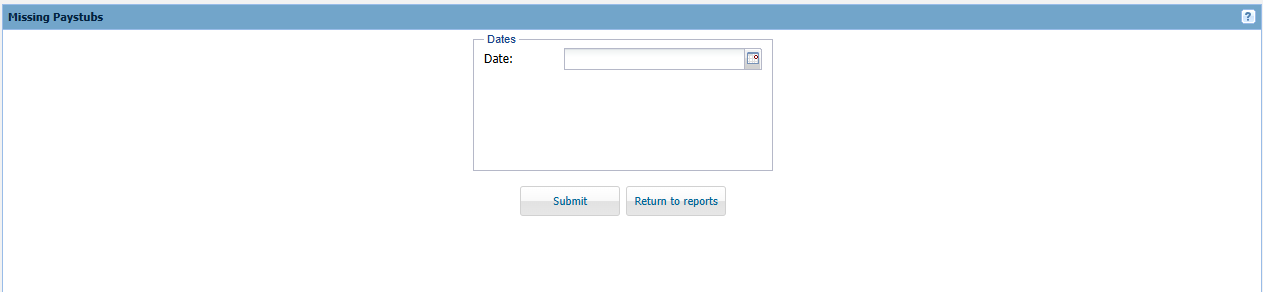 Date - Select the payroll end date you want to view missing paystubs for.
Output:
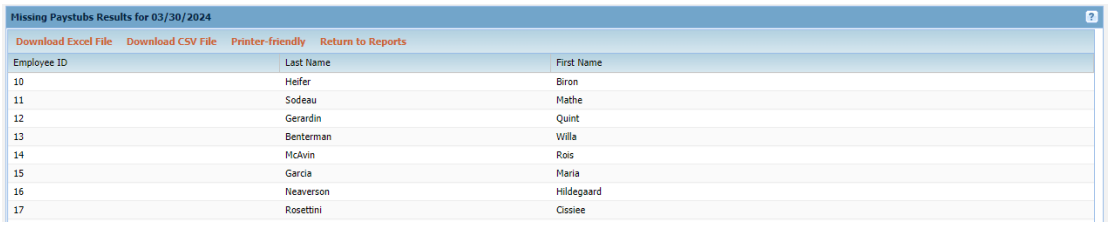
The employee name and ID are listed for every employee who is missing a paystub for the selected date.